Google Just Gave Small Businesses a Free Studio Photographer. Here's What That Actually Means.
By Gary
6 Mar 2026
Google Pomelli
February 25, 2026 | Business Focus | 5 min read
If you run a small or medium-sized business and you've ever winced at the quote from a professional photographer, this one's for you.
Google quietly dropped something genuinely useful last week. It's called Photoshoot, and it's a new feature inside a free tool called Pomelli (part of Google Labs, which is Google's experimental projects team). In plain terms: you take a photo of your product with your phone, upload it, and within seconds you've got a library of professional-quality marketing images. Studio lighting, clean backgrounds, lifestyle shots, even a version with a model in it. All from one dodgy photo taken on your kitchen bench.
That's not a small thing. Let's talk about why.
What It Actually Costs to Look Professional Online
Here's something most people don't talk about openly: the gap between businesses that look polished online and businesses that don't is often just money spent on photography.
A professional product shoot typically runs anywhere from $500 to $5,000 depending on the number of products, the photographer, whether you need a model, and how much post-production editing is involved. For a big retailer or a well-funded startup, that's a line item in the marketing budget. For a café owner, a jewellery maker, or a local tradesperson trying to build a website, it's a real barrier.
The result is that a lot of genuinely good businesses end up with photos that look a bit flat, a bit grey, or just obviously taken in someone's spare room. And that costs them because customers absolutely judge by how things look online. Studies consistently show that high-quality images increase conversion rates (meaning: more people who visit your site actually buy something or make an enquiry).
Pomelli Photoshoot directly targets that problem.
How It Works (In Plain English)
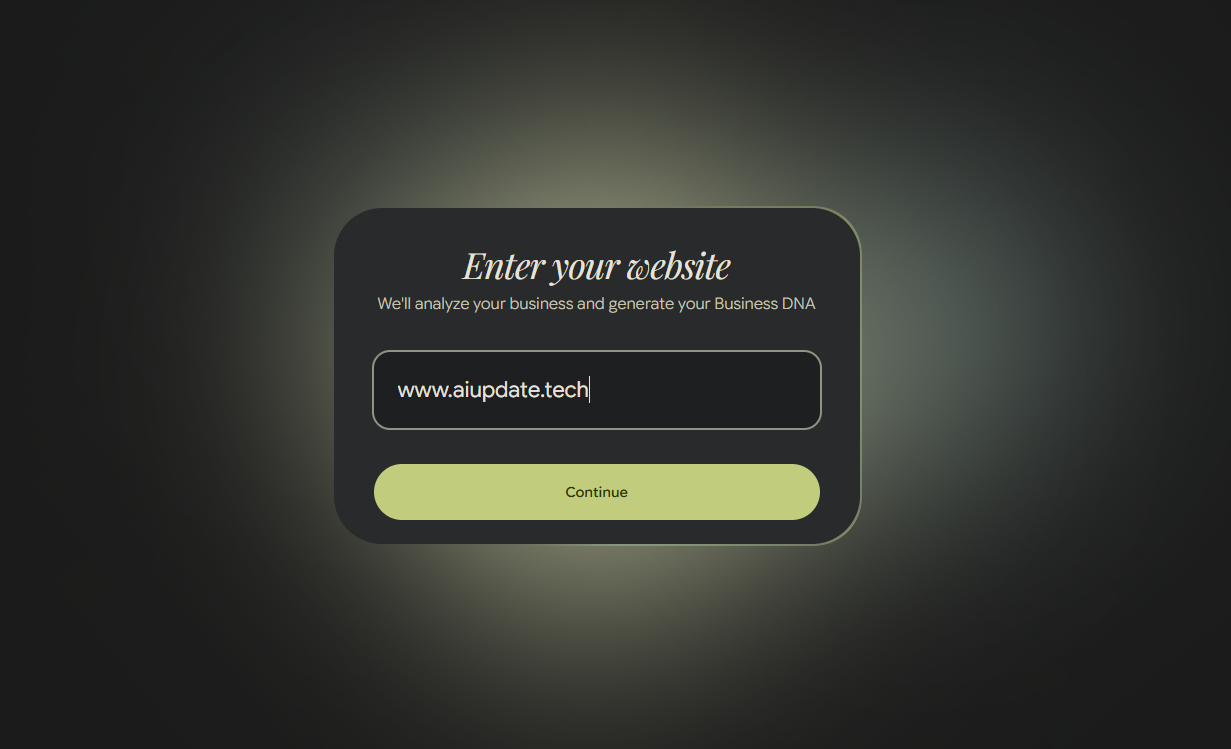
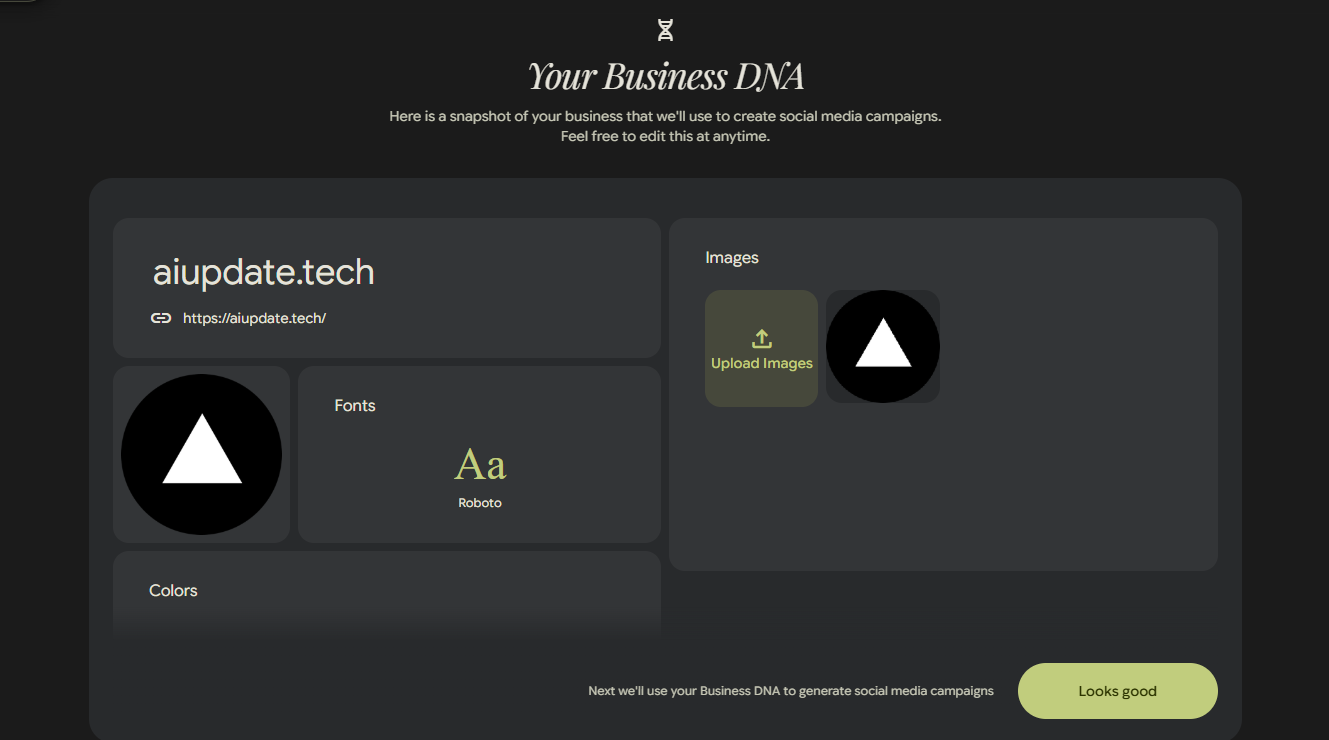
When you sign up for Pomelli, the first thing it does is scan your website. It reads your colours, your fonts, your tone of voice, and the general look and feel of your brand. Google calls this your "Business DNA." Think of it as the AI doing its homework so that everything it creates actually looks like it belongs to your business, not just some generic template.
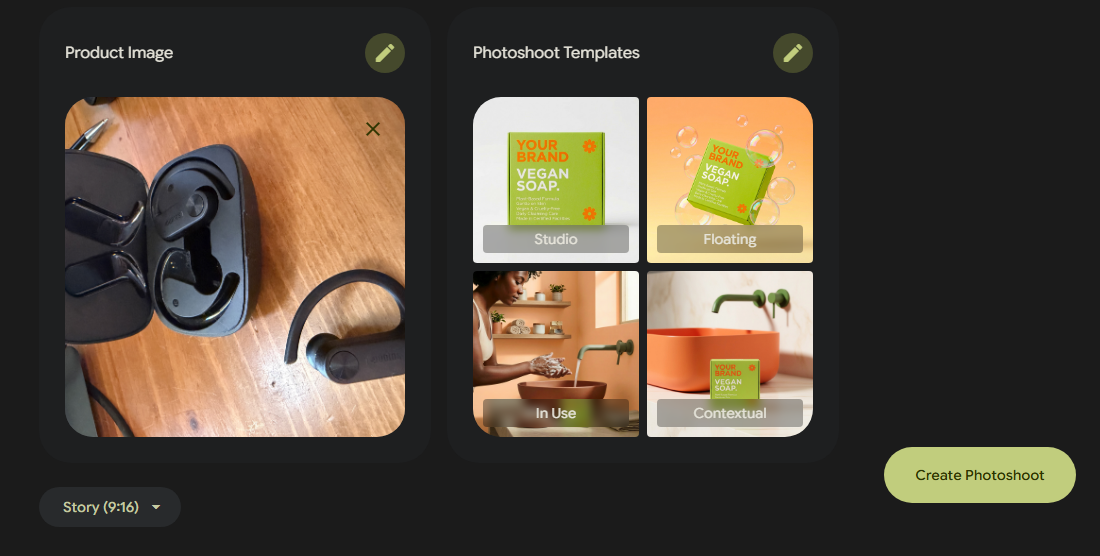
From there, you hit "Create a Product Photoshoot," upload a photo of whatever you're selling, and choose from a handful of shot styles:
Studio puts your product against a clean, professional background. Think the kind of image you'd see on a well-designed e-commerce site.
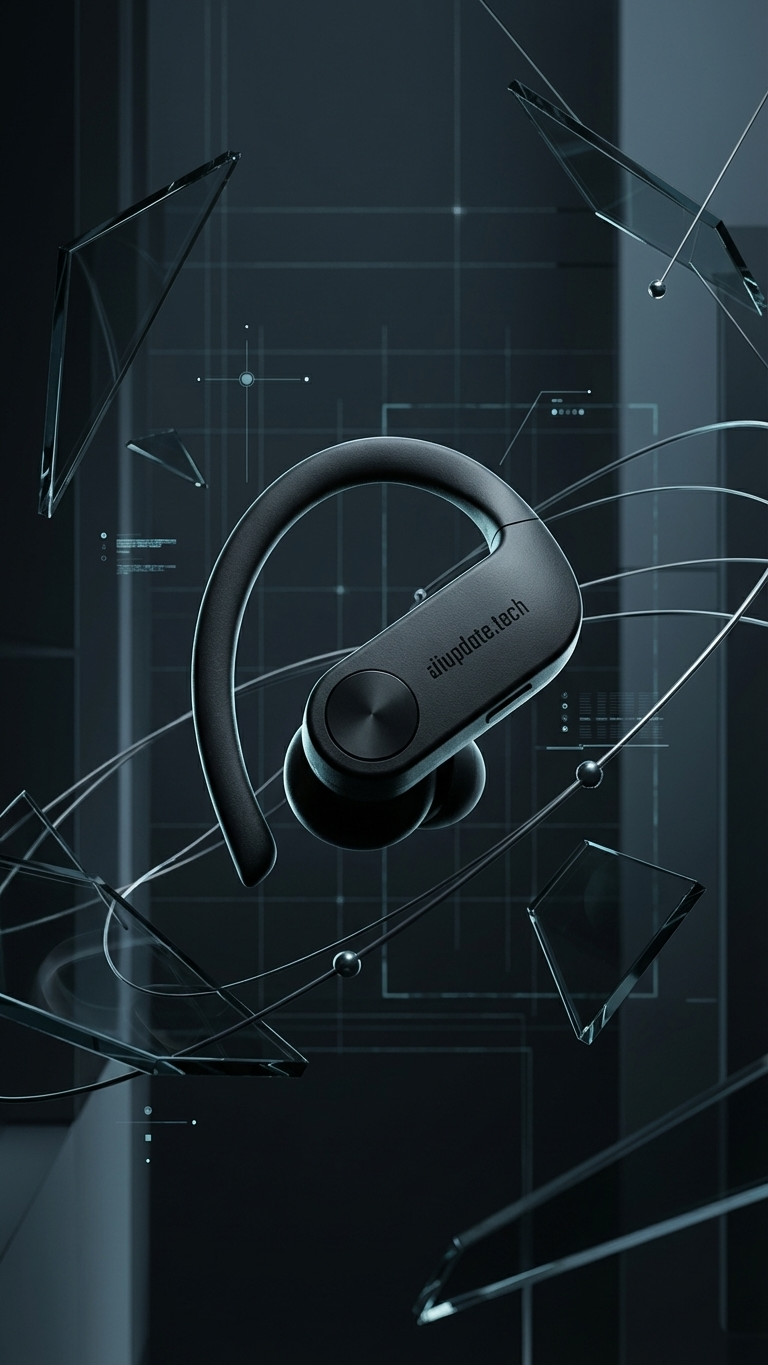
Floating gives you that suspended-in-air look that's popular for products like cosmetics, tech gadgets, and food packaging.
Ingredient is great for food, supplements, or anything where showing what's inside adds to the appeal.
In use shows the product being used by a real (AI-generated) model. This is particularly useful for things like clothing, jewellery, accessories, or anything where context helps the customer imagine it in their life.
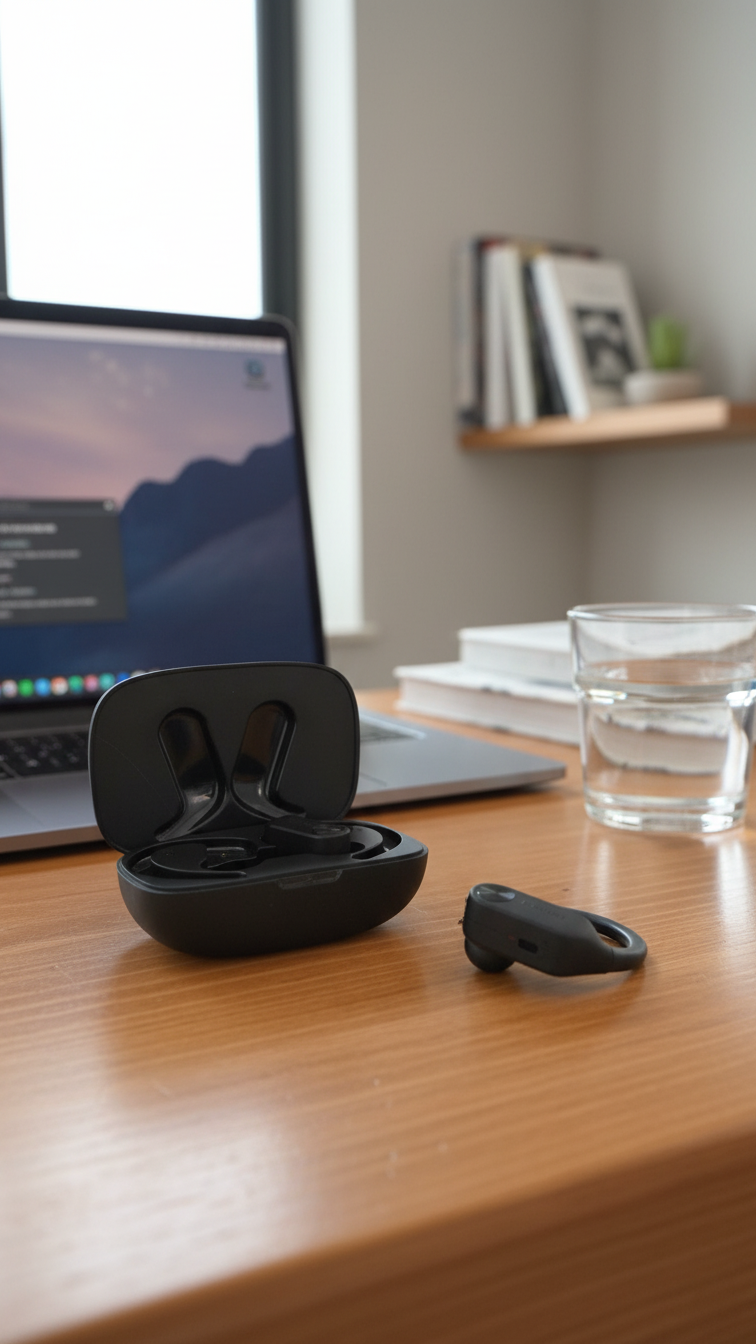
You can also add lifestyle backgrounds, so instead of a plain studio shot, your product appears in a kitchen, a café, outdoors, or wherever makes sense for what you sell.
The results aren't just dropped into the tool either. They're designed to slot straight into your campaigns, social posts, website, and ads without any extra editing needed.
Putting it in to Action
Lets see it work in real life.
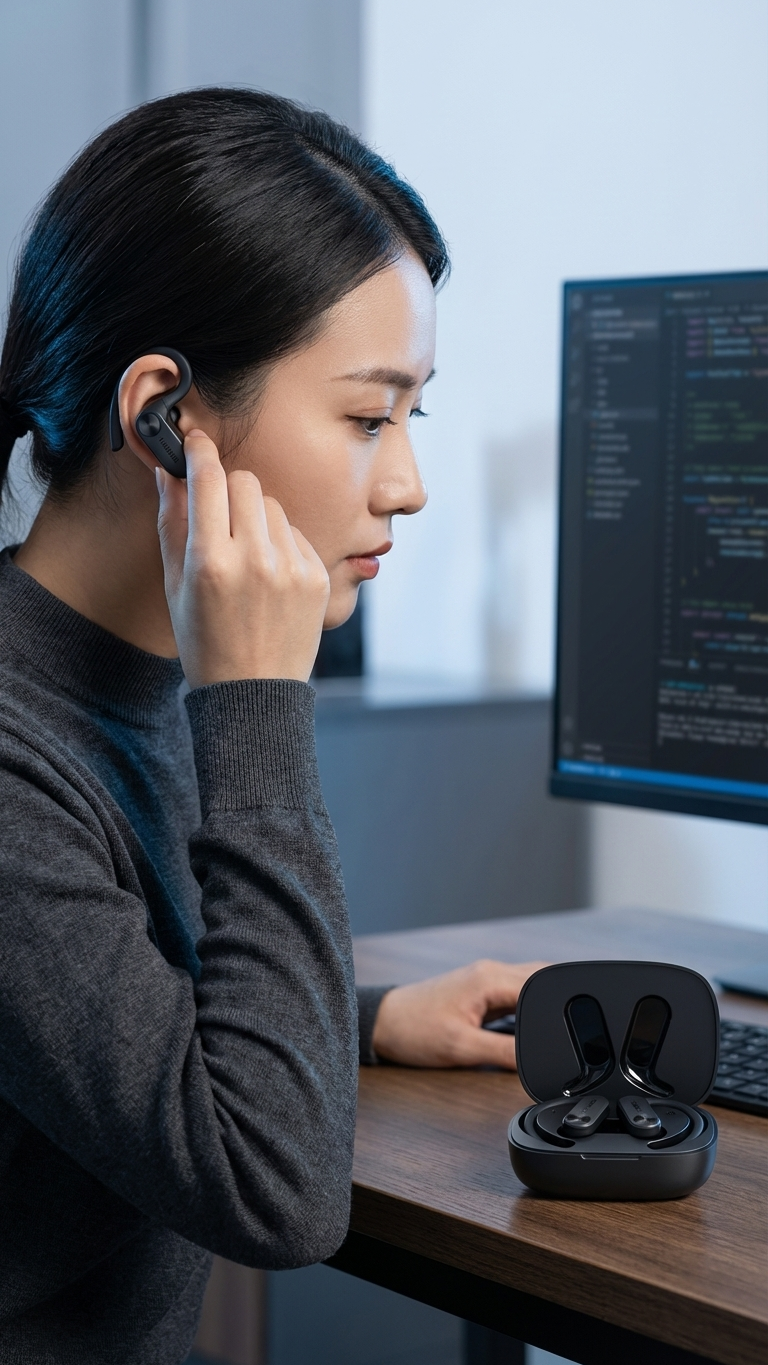
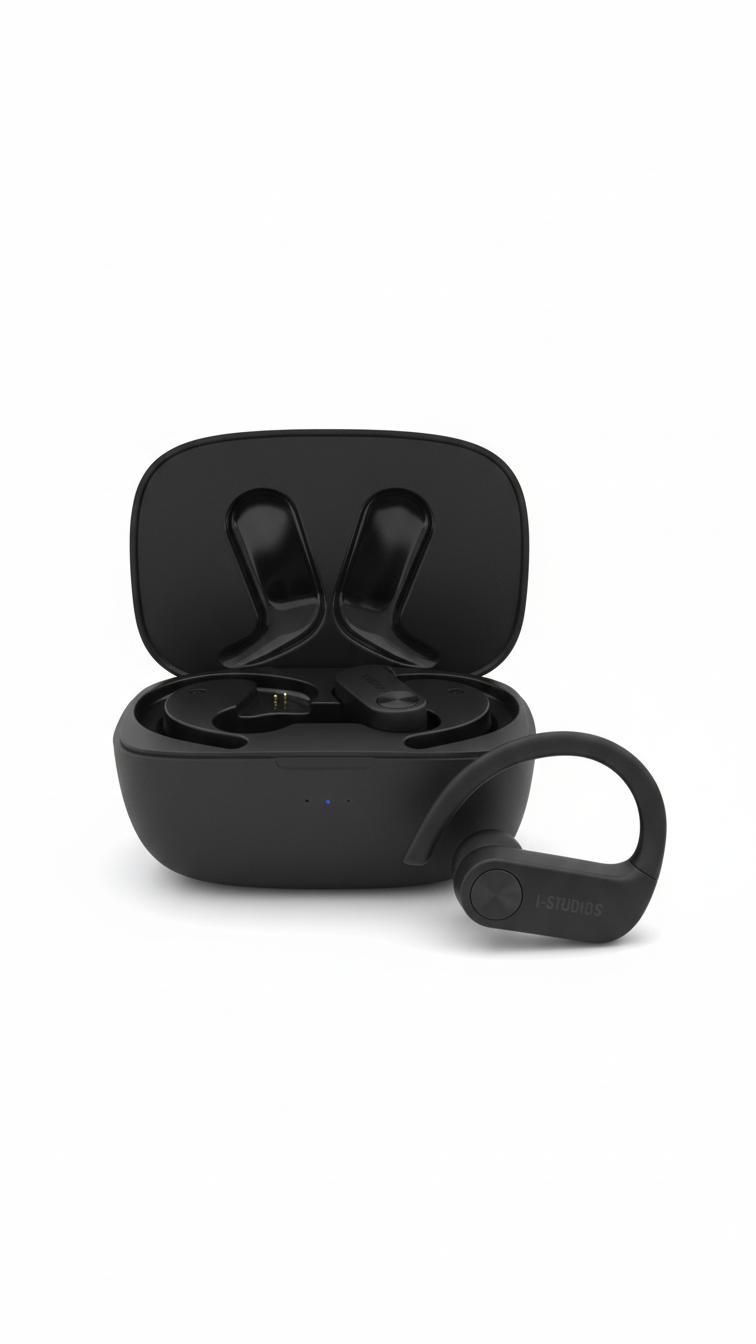
So, I took a photo of some sports headphones I had on my desk to see what it could do with them. Not a great photo and a terrible background.
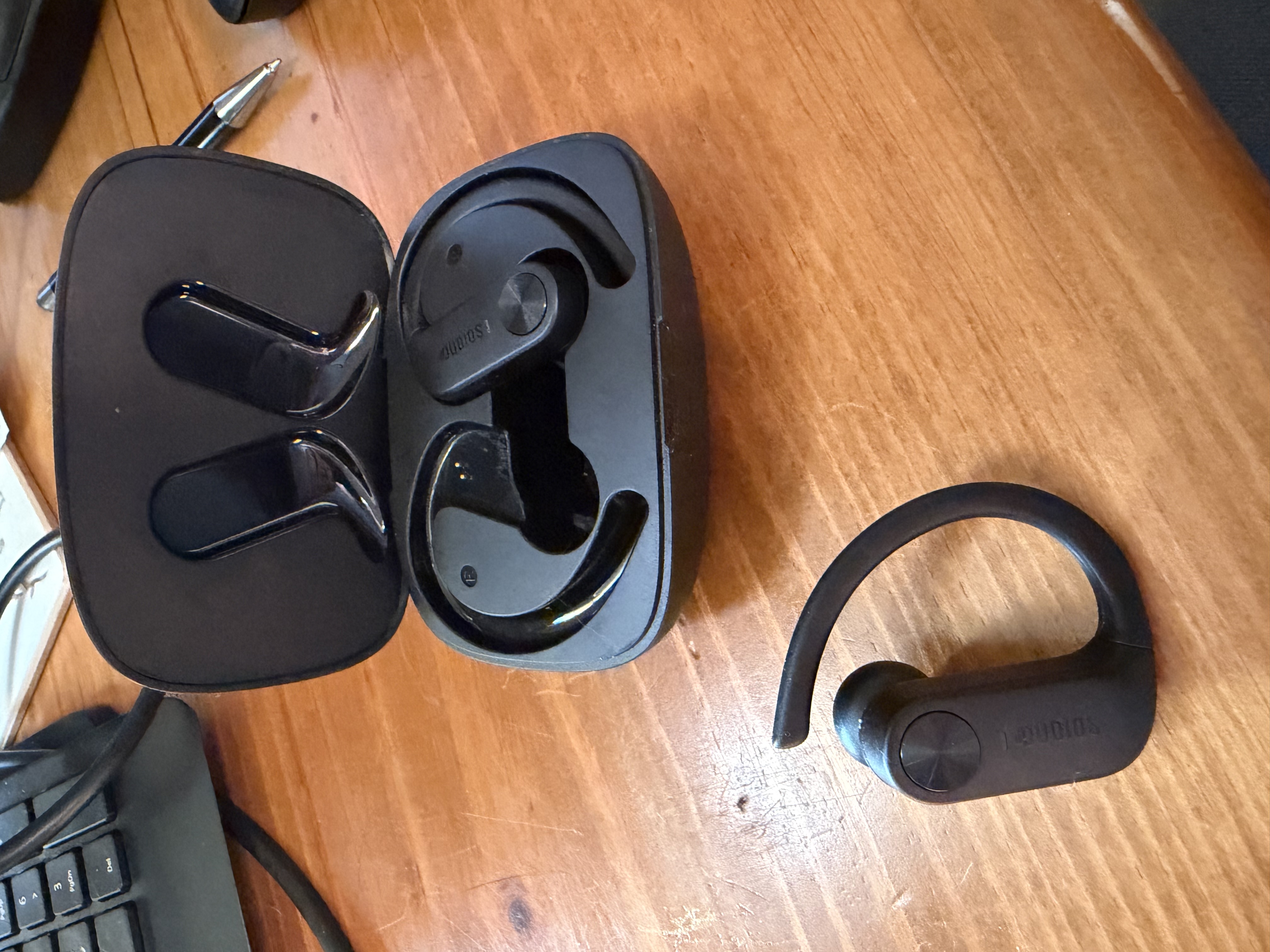
I headed over to Pomelli where it wanted to understand my website for branding colours.
After it accepted my branding, it then showed me the results
A quick click on the photoshoot option and it was time to add my image and choose the templates I wanted to use for my photoshoot.
A few minutes later and here are the results. Which I must say I was quite impressed with from my poor photo. It even added the website branding.
What This Is Worth in Real Money
Let's be practical about this. If Photoshoot can replace even two or three professional photo shoots a year for a small business, you're looking at real savings. Not "AI will save your business" marketing fluff, actual dollars.
If a small online clothing brand was spending $1,500 per season on a product shoot, that's $3,000 a year. A handmade goods seller who was outsourcing to a freelance photographer at $600 a pop, twice a year, that's $1,200. A café owner who was paying a food photographer for quarterly content, probably $400 to $800 per shoot, $1,600 to $3,200 a year. All of that is now potentially covered by a free tool.
Even if you still use a professional photographer for your hero shots or for major campaigns (and there's a strong argument for keeping that), Pomelli lets you fill the gaps. New product added to the shop mid-week? Don't wait three weeks for a shoot. Generate the images, get it live, and then update when you have the professional version.
That kind of agility matters. Being able to react quickly to what's selling, what's trending, or what you've just restocked is genuinely valuable for a small business competing with larger brands that have full marketing teams.
The Bigger Picture: AI That's Built for Business, Not for Developers
One of the frustrations a lot of business owners have with AI tools is that they feel like they were built by engineers for engineers. You end up needing to write complex prompts, understand a bunch of technical settings, or connect various tools together just to get something basic done.
Pomelli is different in that respect. The whole workflow is designed around how a business owner actually thinks: "I have this product, I need it to look good online, here's my website." You don't need to understand how the AI works. You just upload a photo and choose what you want.
The Business DNA piece is particularly clever. Because it reads your existing site first, the images it creates don't feel generic or off-brand. They feel like they belong. That consistency across your marketing is one of the things that makes a business look established and trustworthy, even if you're just getting started.
What to Be Realistic About
Pomelli Photoshoot is free and it's impressive, but it's worth being clear about what it is and isn't.
It's still an experimental tool from Google Labs. That means it will have quirks, it will have moments where the output isn't quite right, and it will get better over time as Google collects feedback. Products with very reflective surfaces (think mirrors, shiny packaging, glassware) tend to be trickier for AI image tools to render cleanly. It's worth testing with a few different product types to see how it handles your specific range.
It's also currently only available in the United States, Canada, Australia, and New Zealand, and only in English. If you're outside those regions, you'll need to wait for the rollout to expand.
And it won't replace every photography need. For major brand campaigns, packaging imagery, or anything where absolute precision matters, you'll still want a professional involved. But for the day-to-day content that feeds your social media, your product listings, your email newsletters, and your website updates? This is genuinely useful right now.
How to Get Started
It's free. That part is worth repeating.
Head to Google's Pomelli site https://labs.google.com/pomelli/about/, enter your website address, and let it build your Business DNA profile. That takes a minute or two. From there, hit Photoshoot, upload a product photo, and start experimenting.
Google's own advice is not to stress about the quality of the photo you upload. A phone camera in decent light is fine. The AI takes it from there and does the heavy lifting.
A good first test: pick one product that you know converts well and try generating three or four different shot styles. See how they look compared to what you're currently using. If even one of those is better than what you've got, you've already got the idea.
This is one of those tools that's worth five minutes of your time today. Not because it's going to revolutionise your business overnight, but because the cost of trying it is zero, and the upside is a library of professional-looking images you didn't have yesterday.
For small and medium businesses who've been playing with a smaller budget than their bigger competitors for years, that's a genuinely good thing.
The views and opinions expressed in this article are my own and do not reflect those of my employer or any organisation I am affiliated with.
Tags
Discussion
Please to join the discussion.